Support – Vocara
Need help with the Vocara app? You're in the right place.
FAQ
The app doesn’t connect to the Internet. Is that normal?
Yes. Vocara is designed to work fully offline. All your data stays on your device.
Where is my data stored?
All lessons, courses, user profiles and statistics are stored locally on your iPhone or iPad.
How do I share a lesson?
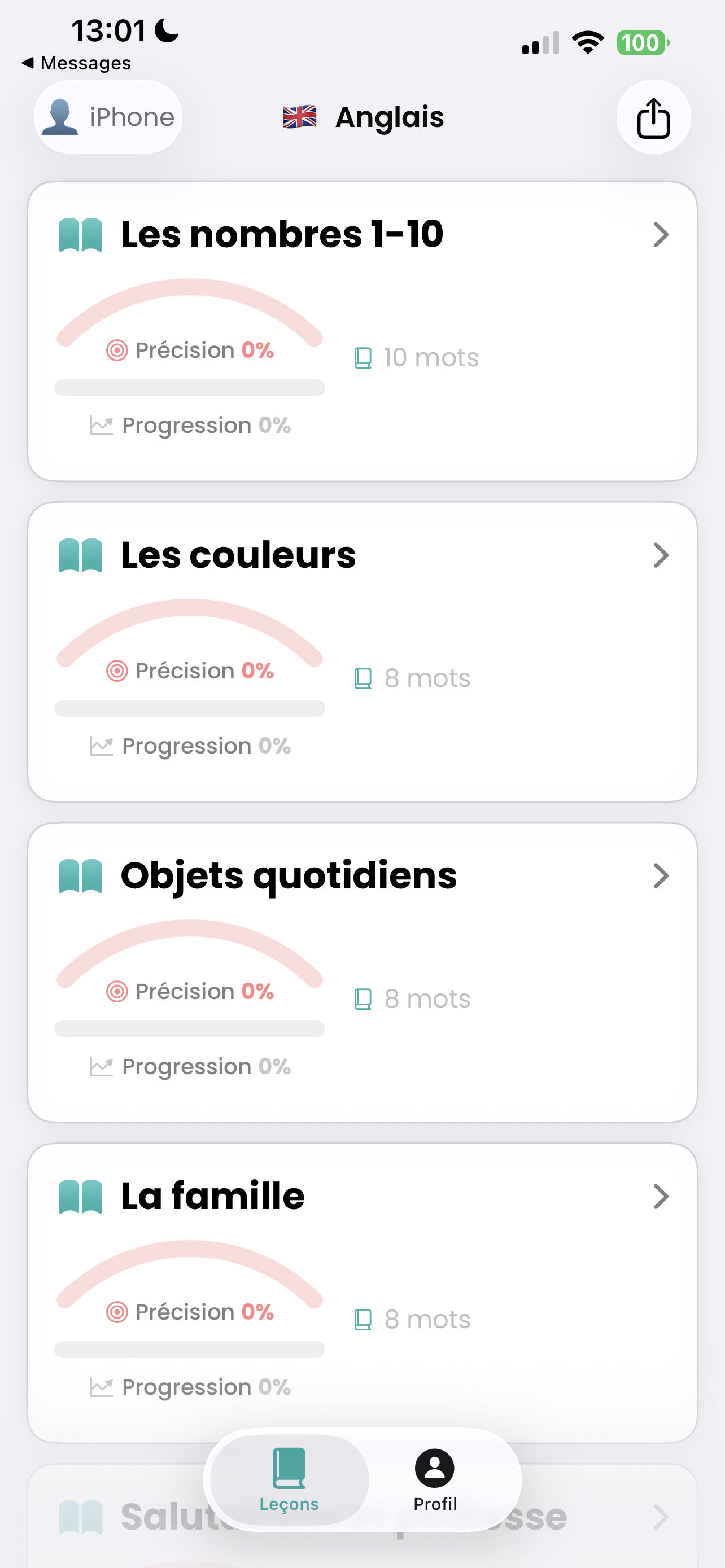
From the lesson list, use the Share option to send one or more lessons to another student or device.
How do I add a user?
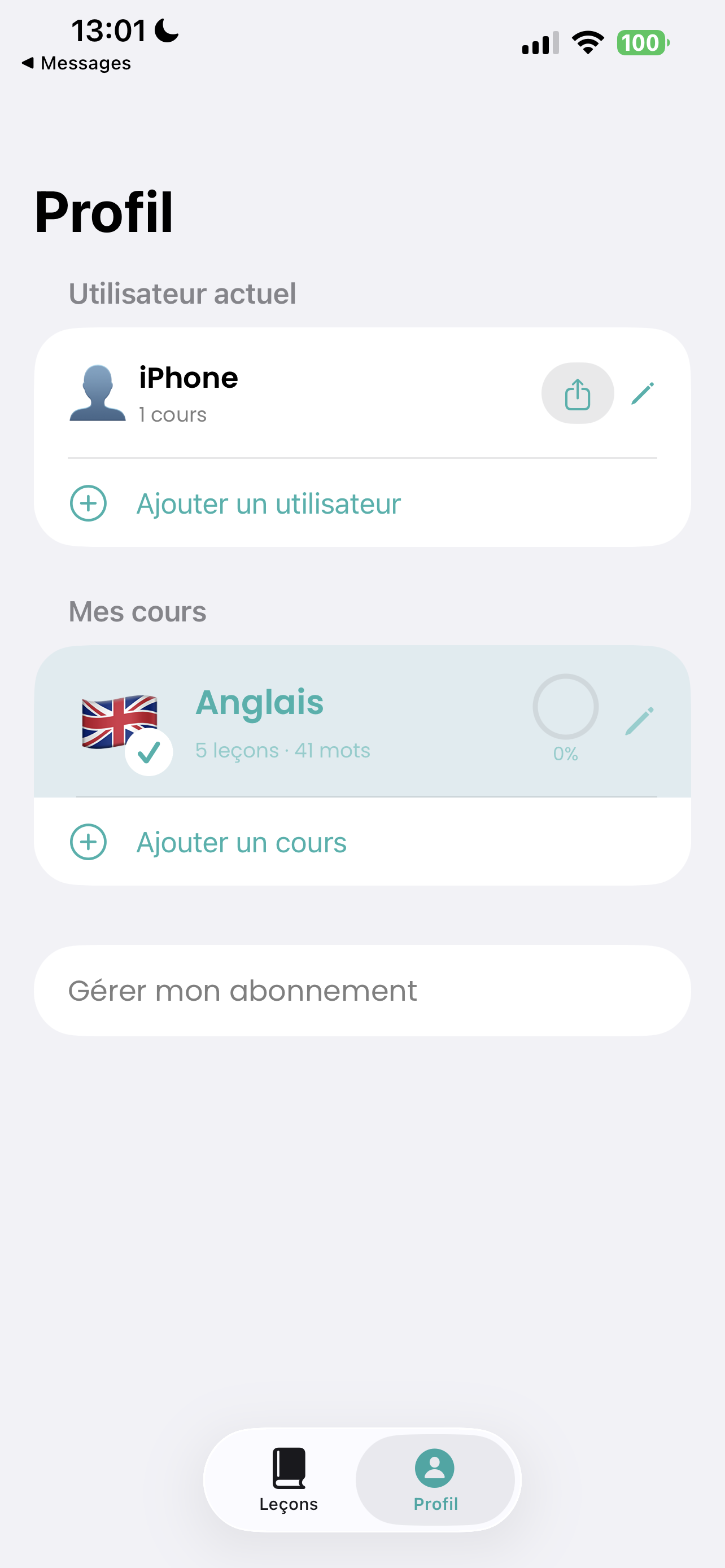
Go to the Profile tab and tap Add user to create a new profile on the device.
How do I delete my data?
You can delete lessons, courses, users, or uninstall the app to remove all data from your device.
Screenshots
Discover the main features of Vocara: